ATS resume templates that parse cleanly.
Single-column, real text, standard headings. Every template is read correctly by Workday, Greenhouse, Lever and every other major applicant tracking system.
Best practice, no compromises
Single column, standard headings, plain text. Nothing a recruiter or ATS has to work around.
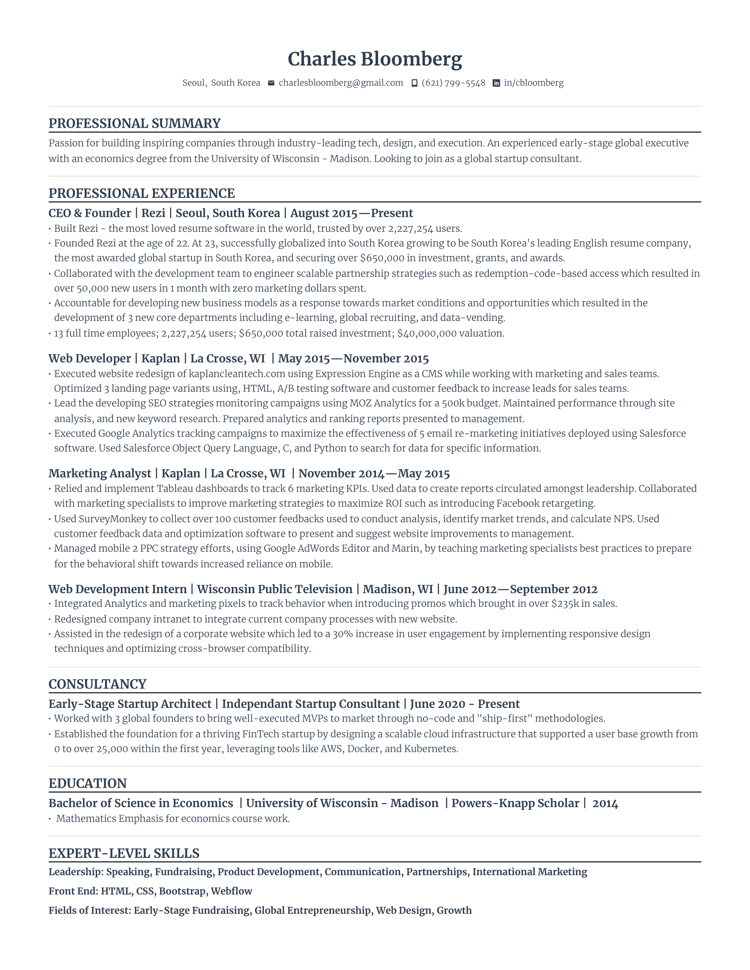
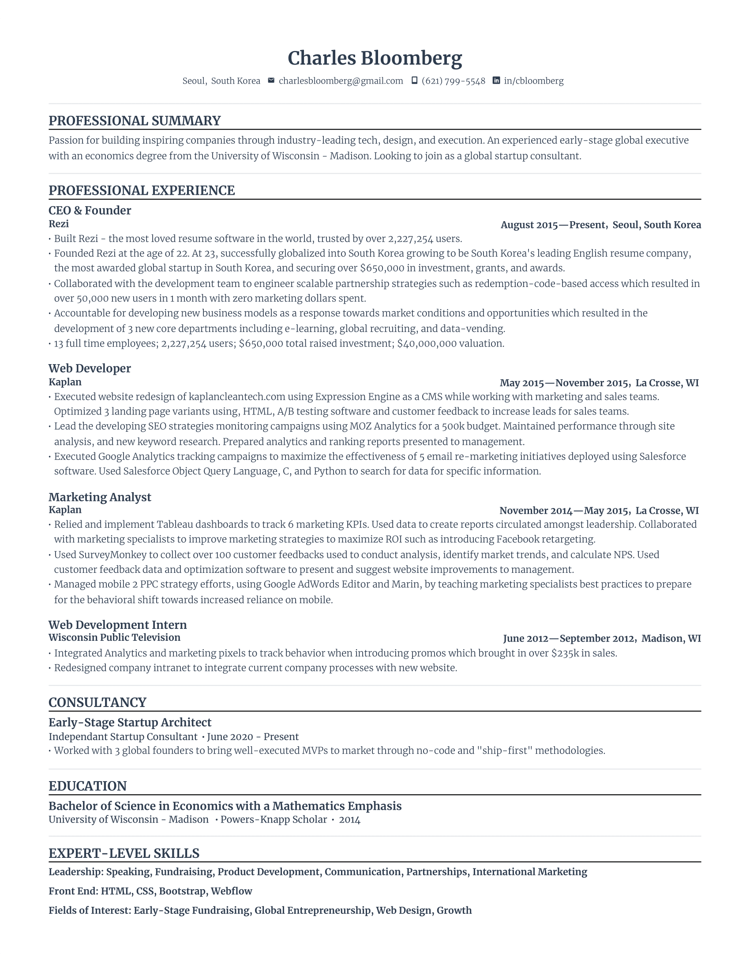
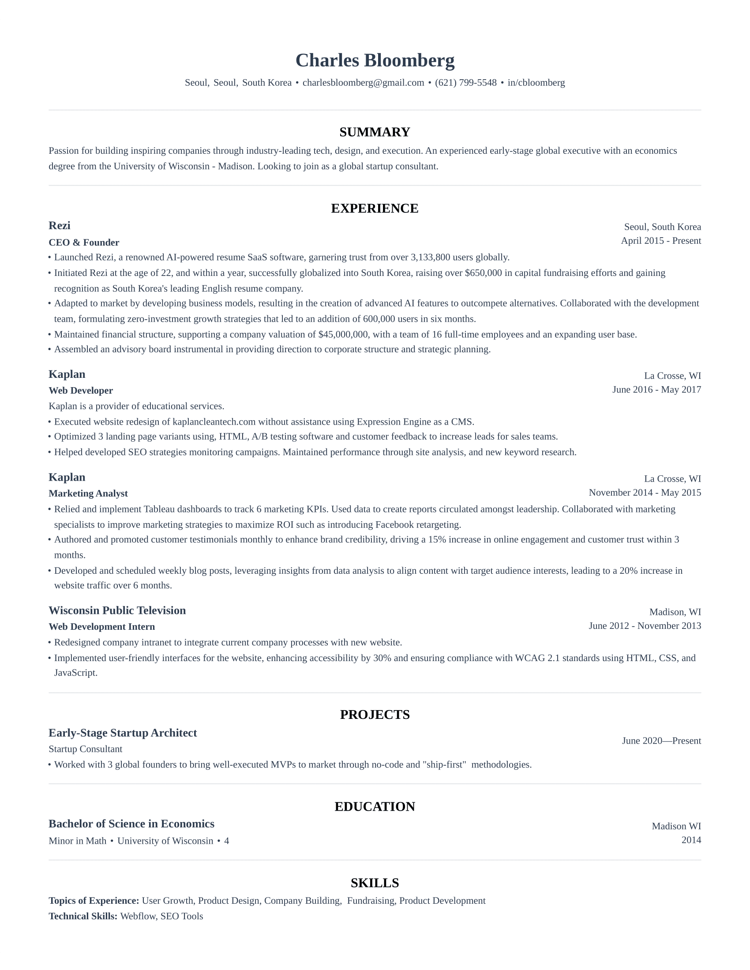
Close to best practice
One or two small departures, like an accent color or a different header. Still reads cleanly.
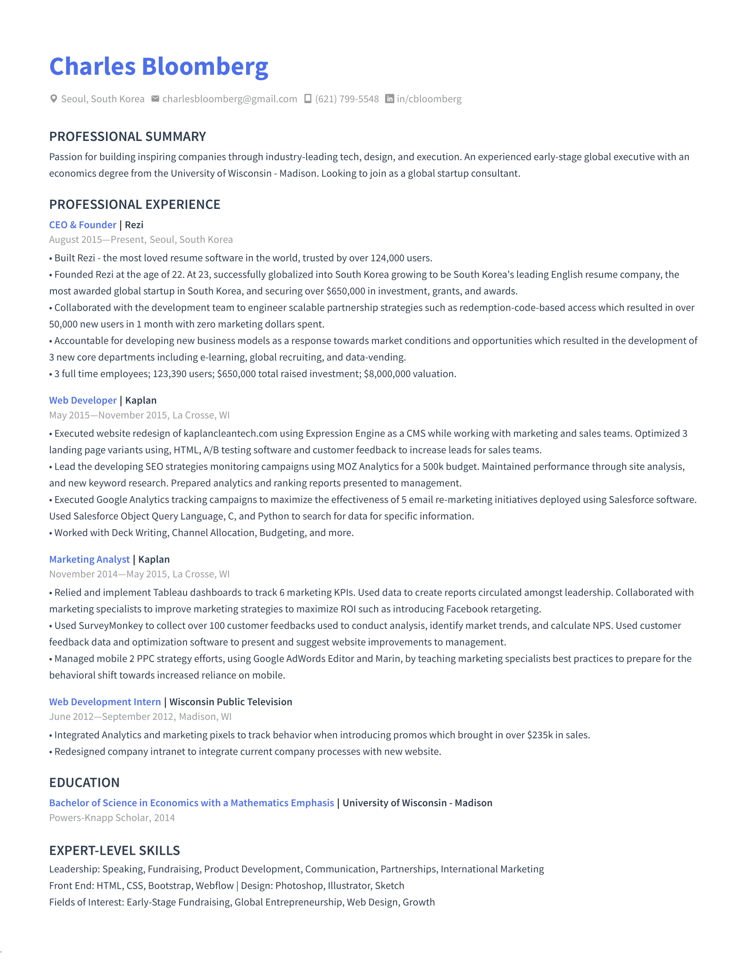
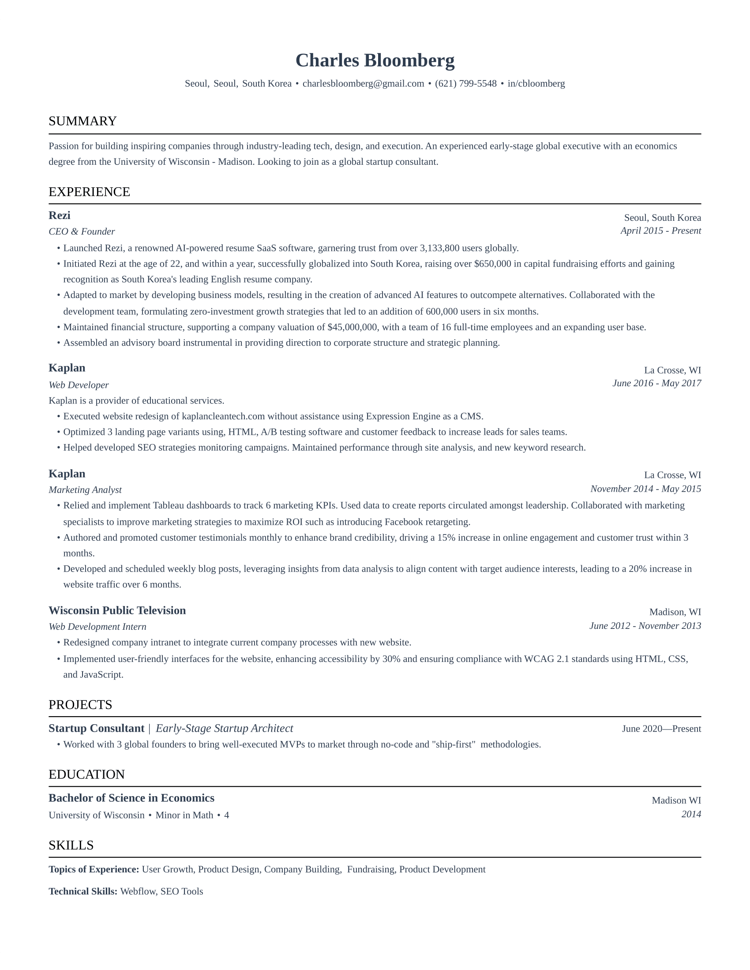
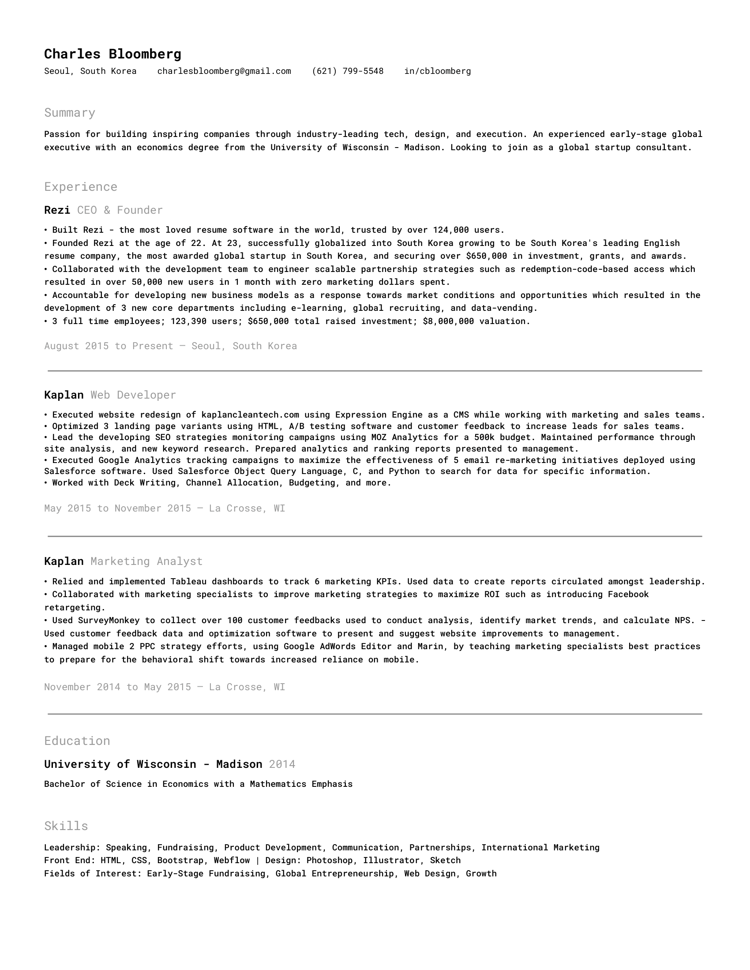
Some deviation
Denser spacing or heavier styling. Parses fine, but strays further from the standard format.
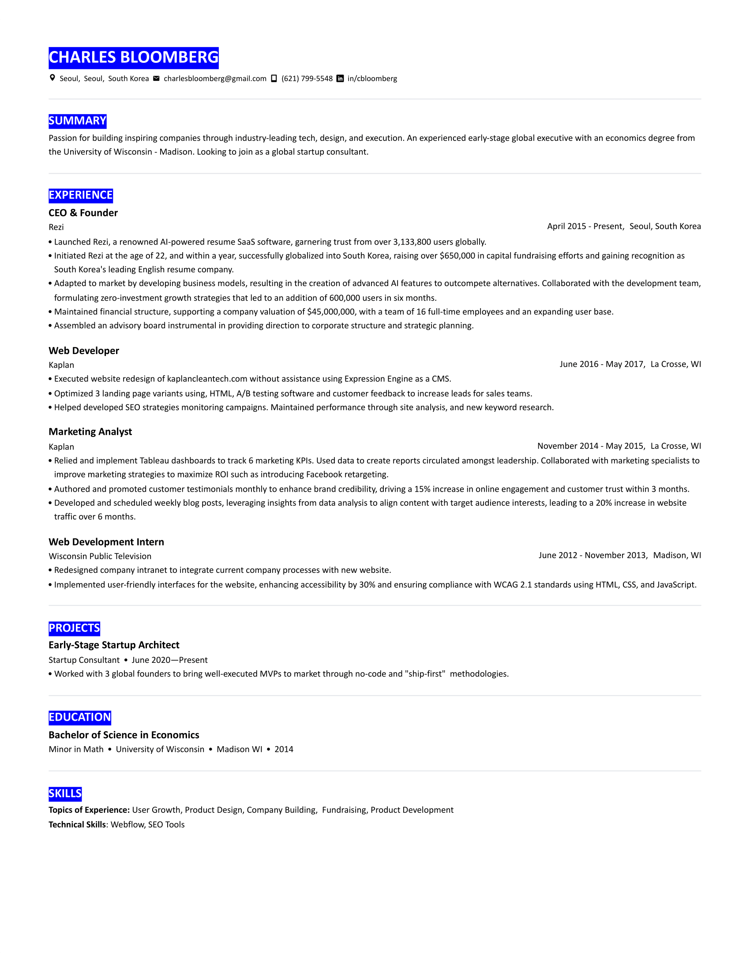
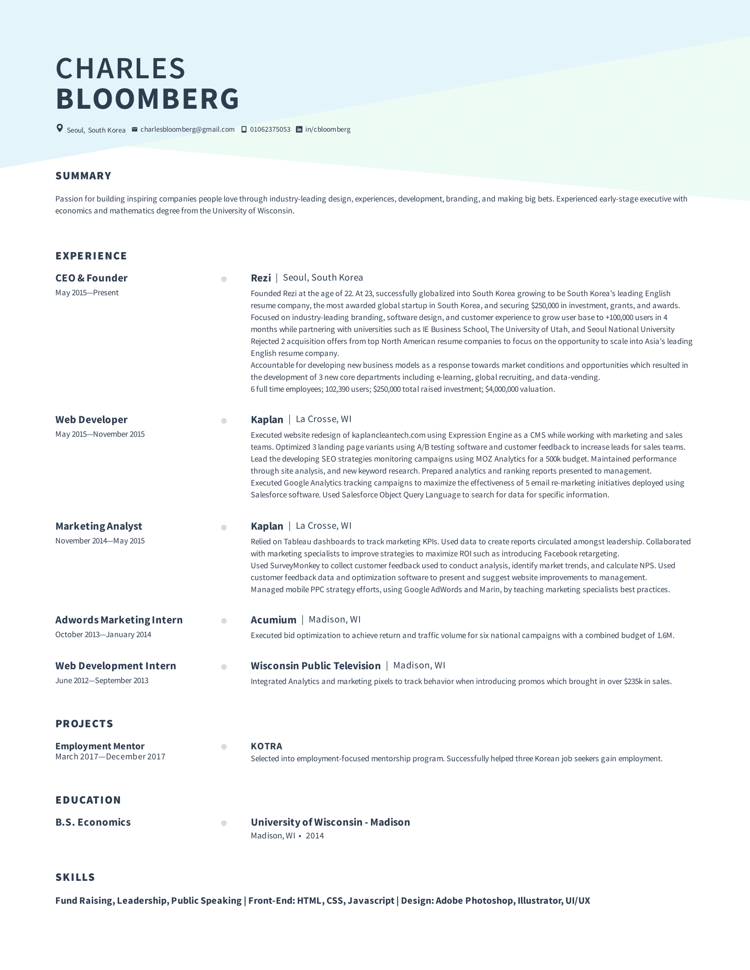
Furthest from best practice
Strong color, graphic headers and a nonstandard structure. The riskiest choice.
Questions,
answered.
answered.
Every template is tested against major ATS parsers.
Yes. Every template is free to use in the builder, and you can download Word versions at no cost.
Each template is single-column real text with standard headings, the format Workday, Greenhouse, Lever and iCIMS read correctly. The ATS checker confirms it on your own resume before you download.
Start with an S tier template. Each tier down deviates a little more from resume best practice, so pick a lower tier only if you want the look and accept a bit more risk.
Yes. Download any template as an editable Word file, which also opens in Google Docs, or export a finished PDF from the builder.
Start from a template if you already have strong content. Use the AI builder if you want help writing bullets and tailoring them to each job post. Both use the same templates.
Yes. Change fonts, spacing, margins and accent colors in the builder. The structure underneath stays ATS readable whatever you change.
Pick a template. We help write the rest.
Join 4.5M job seekers tailoring every application in about ninety seconds.
SUMMARY
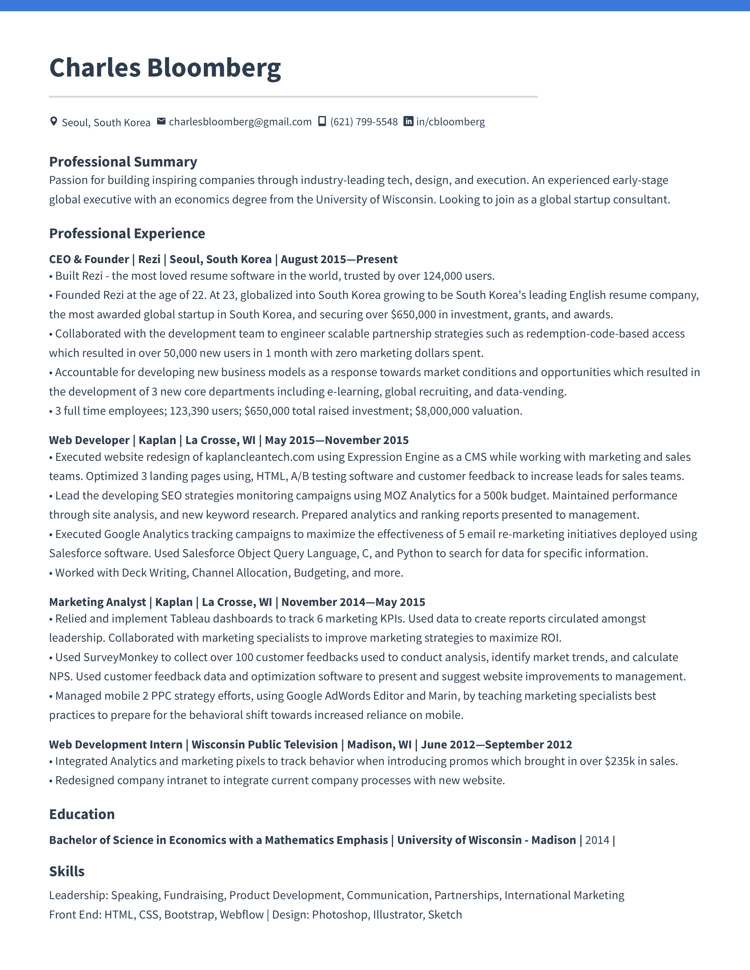
Passion for building inspiring consumer software companies through industry-leading tech, design, and execution. An experienced early-stage global executive with an economics degree from the University of Wisconsin Madison.
EXPERIENCE
· Relied and implement Tableau dashboards to track 6 marketing KPIs. Used data to create reports circulated amongst leadership. Collaborated with marketing specialists to improve marketing strategies to maximize ROI such as introducing Facebook retargeting.
· Used SurveyMonkey to collect over 100 customer feedbacks used to conduct analysis, identify market trends, and calculate NPS. Used customer feedback data and optimization software to present and suggest website improvements to management.
· Managed mobile 2 PPC strategy efforts, using Google AdWords Editor and Marin, by teaching marketing specialists best practices to prepare for the behavioral shift towards increased reliance on mobile.
· Executed website redesign of kaplancleantech.com using Expression Engine as a CMS while working with marketing and sales teams. Optimized 3 landing page variants using HTML, A/B testing software and customer feedback to increase leads for sales teams.
· Lead the developing SEO strategies monitoring campaigns using MOZ Analytics for a 500k budget. Maintained performance through site analysis, and new keyword research. Prepared analytics and ranking reports presented to management.
· Executed Google Analytics tracking campaigns to maximize the effectiveness of 5 email re-marketing initiatives deployed using Salesforce software. Used Salesforce Object Query Language, C, and Python to search for data for specific information.
· Contributed to Deck Writing, Channel Allocation, Budgeting, and more.
PROJECT
· Mentored 3 global founders to bring well-executed MVPs to market through no-code and "ship-first" methodologies.
EDUCATION
SKILLS
Leadership: Speaking, Fundraising, Product Development, Communication, Partnerships, International Marketing
Fields of Interest: Early-Stage Fundraising, Global Entrepreneurship, Web Design, Growth
Front End: HTML, CSS, Bootstrap, Webflow
Design: Photoshop, Illustrator, Sketch